Latest Cisco, PMP, AWS, CompTIA, Microsoft Materials on SALE Get Now Get Now
Home/
Blog/
How to Pass the CCIE Lab Exam: A Complete Roadmap From Study Plan to Exam Day
SPOTO 2026-07-29 15:05:25
Pass the CCIE Lab Exam

The CCIE lab is widely regarded as one of the hardest technical certifications in IT — an eight-hour, hands-on gauntlet that tests whether you can design, build, and troubleshoot a broken enterprise network under real time pressure. Passing it isn't about memorizing commands; it's about combining deep technical mastery with disciplined preparation, the right tools, and a plan for exam day itself. This guide walks through the entire journey in order: how long to study and how to structure that time, how to choose the training resources and lab platform that fit your budget, how to build a home lab to practice on, and finally, exactly what it costs and how to book your attempt.

Building Your Study Timeline: From Zero to Exam-Ready

Most successful candidates treat CCIE prep as a structured, multi-phase project rather than open-ended studying. Here's a realistic progression:

  1. Assess your starting point (Week 0). If you already hold CCNP-level knowledge and have several years of hands-on production experience, expect a 6–9 month runway. If you're newer to the technology track, plan for 12–18 months. Be honest here — underestimating this step is the single biggest cause of burnout later.
  2. Pass the written qualifying exam first (Months 1–3). Before you can even book the lab, you need to clear the core exam for your track (for example, ENCOR 350-401 for Enterprise Infrastructure, or SCOR 350-701 for Security). Treat this phase as building your theoretical foundation — it's the vocabulary and protocol knowledge everything else builds on.
  3. Deep-dive technology blueprint topics (Months 3–8). Work through the official lab exam blueprint section by section. Don't skip topics you find boring or think are "unlikely to appear" — the lab is designed to probe breadth as much as depth.
  4. Start timed, scenario-based labbing (Months 6–10). This is where theory becomes muscle memory. Move from tutorial-style labs to full, timed diagnose-and-fix scenarios that mimic exam conditions.
  5. Run full 8-hour mock exams (Final 4–8 weeks). Simulate the real exam as closely as possible — same duration, same pressure, no notes. This phase is less about learning new material and more about pacing, endurance, and identifying your remaining weak spots.
  6. Final review and rest (Final 1–2 weeks). Consolidate weak areas, review your personal "mistake log" from mock exams, and taper off intense new learning in the final days so you arrive at the test center rested rather than burned out.

A milestone-based plan like this keeps you from either wasting months exploring without exam-day capacity, or entering the lab prematurely without the theoretical foundation to reason through unfamiliar problems.

Choosing Your Training Resources: Comparing the Top Prep Providers

With your timeline in place, the next decision is where your knowledge and lab hours will actually come from. The major players differ significantly in format, cost, and how much realism they bring to lab practice.

Provider Format Best For Rack/Lab Access Approx. Cost
INE (All Access Pass) Video courses + guided labs + full mock labs Structured, all-in-one preparation with proctor-style mock exams Included via cloud rack access Subscription-based, mid-to-high range
NetworkLessons Written tutorials + community Q&A Learners who prefer reading/reference material over video Not bundled — pair with your own EVE-NG/CML lab Lower-cost subscription
Cisco Learning Network / Cisco U Official blueprints, some official courses Verifying you're aligned with the exact exam blueprint Limited; mostly self-paced content Free to moderate
Boot camps (in-person/virtual, various vendors) Intensive multi-day accelerated review Candidates close to exam-ready who need a final push Often included for the boot camp duration High, one-time cost
Self-built home lab (EVE-NG/CML) Fully self-directed Candidates who want unlimited, low-cost practice time Unlimited, but you manage it yourself Low ongoing cost, higher setup effort

In practice, most successful candidates don't rely on a single resource — they typically pair a structured course (for guided theory and lab methodology) with unlimited practice time on their own lab environment, which is where a home lab setup becomes essential.

Setting Up Your Own Practice Lab with EVE-NG or CML

Unlimited, low-pressure practice time is one of the biggest predictors of lab success, and that means building your own virtual lab environment rather than relying solely on rented rack time. Here's how to get one running:

  1. Choose your emulation platform. EVE-NG (Community or Pro edition) and Cisco Modeling Labs (CML) are the two dominant options. EVE-NG is free (Community edition) or low-cost (Pro) and supports a wide range of vendor images; CML is Cisco's official product, comes with official image licensing, and integrates cleanly with Cisco's own curriculum but carries a higher licensing cost.
  2. Size your host hardware. For serious multi-device enterprise topologies, plan for a dedicated server or workstation with at least 32–64GB of RAM, a multi-core CPU (8+ cores recommended), and fast SSD storage. Running dozens of virtual routers and switches simultaneously is memory-hungry — this is not something a laptop with 16GB of RAM will comfortably handle for full-scale topologies.
  3. Install a hypervisor. Both EVE-NG and CML typically run as a VM on top of a bare-metal hypervisor (such as Proxmox or ESXi) or directly on dedicated hardware. Running EVE-NG as a nested VM on your everyday laptop works for small topologies but will bottleneck as labs grow.
  4. Source your device images. EVE-NG requires you to supply your own Cisco IOS/IOS-XE/NX-OS images (which must be obtained through legitimate licensing channels). CML bundles official reference platform images with your license, which removes this step but adds to the cost.
  5. Build your first topology. Start by replicating a known reference topology from your training provider's guided labs, then progressively build your own custom topologies that mirror the diagram styles used in real lab exams.
  6. Layer in automation and validation tools. As you advance, integrate tools for configuration backup, validation scripting, and version control of your lab configs — this mirrors real exam expectations around efficient, repeatable workflows under time pressure.

A well-configured home lab pays for itself quickly: unlike rented rack time, it gives you unlimited hours to rebuild the same topology from scratch as many times as it takes to become fast and confident.

Exam Day Strategy: Time Management and Pressure Handling

All the studying and lab time in the world won't help if you can't execute under the specific pressure of an eight-hour exam. Treat exam-day strategy as its own skill to practice, not something you figure out on the day itself.

  1. Read the entire exam before configuring anything. Skim all sections first to build a mental map of scope, point values, and dependencies between tasks — some later tasks may depend on earlier ones being configured correctly.
  2. Triage by point value and confidence, not by task order. Tackle high-point, high-confidence tasks first to bank points early, and flag ambiguous or unfamiliar tasks to revisit later rather than getting stuck on them immediately.
  3. Set hard time checkpoints. Decide in advance roughly how much time each major section deserves, and set mental (or physical, where allowed) checkpoints to force yourself to move on if you're over budget — a partially-correct answer on every task usually scores higher than a perfect answer on only half the tasks.
  4. Verify as you go, not just at the end. Build the habit of confirming each configuration actually works (pings, show commands, protocol adjacencies) immediately after implementing it, rather than assuming it's correct and discovering failures during a rushed final review.
  5. Don't chase perfection on partial-credit tasks. Many lab tasks award partial credit for partially correct configurations. If you're stuck on the last 10% of a task, it's often better to bank the partial credit and move on than to burn 20 minutes chasing full marks.
  6. Build in a deliberate reset moment. If you hit a stressful roadblock, take 60 seconds to step back, breathe, and re-read the task rather than tunneling on a fix that isn't working — panic-driven troubleshooting wastes far more time than a short pause.
  7. Reserve the final block for verification, not new work. In the last 30–45 minutes, stop attempting new tasks and instead do a full pass verifying everything you've already configured is still functioning as expected.

Practicing this pacing discipline during your full 8-hour mock exams (mentioned earlier in your study timeline) is what turns these tips from theory into instinct.

Exam Costs, Booking, and Retake Policy

Once your preparation is on track, the final piece is understanding the exact logistics and costs of scheduling your attempt.

Fees

  • Written qualifying exam (e.g., ENCOR, SCOR, CLCOR, DCCOR, SPCOR): approximately $400 USD
  • CCIE lab exam: the standard fee is $1,600 USD per attempt</cite>
  • No-show / missed appointment: a no-show fee may apply if you fail to attend a scheduled appointment without cancelling in advance

Eligibility

  • You must first pass the corresponding written qualifying exam for your chosen track and hold a valid Cisco user account before you can book the lab</cite>.
  • Cisco does not enforce a formal experience prerequisite, though five to seven years of hands-on experience is generally recommended</cite> before attempting the lab.

Booking process

  1. Pass your track's written qualifying exam at a Pearson VUE test center or via online proctoring</cite>.
  2. Log into the official CCIE/CCDE scheduling portal with your Cisco account.
  3. Select your exam track, choose a location (a permanent Cisco test facility or a mobile lab event), and pick an available date</cite>.
  4. Complete payment — full payment is typically required 30 to 90 days before your exam date</cite>.
  5. Receive confirmation from both Cisco and the exam delivery system once your appointment is booked.

Retakes If you don't pass on your first attempt, you'll need to book and pay for another attempt at the standard lab fee. There's no limit on the number of retakes, but each one carries the full cost, so treat every mock-exam session in your prep (see the study timeline and exam-day sections above) as practice specifically aimed at minimizing retakes rather than accepting them as inevitable.

Bringing It All Together

Passing the CCIE lab isn't the result of any single tactic — it's the compounding effect of a realistic study timeline, the right mix of training resources, a home lab you can practice on without limits, sharp time management on exam day, and a clear understanding of the costs and logistics so nothing catches you off guard. Candidates who treat each of these as a distinct project phase — rather than trying to improvise all of it during the final weeks — consistently report smoother prep cycles and stronger results. Start with an honest timeline, build your lab early, and let your mock exams do double duty: sharpening both your technical accuracy and your exam-day pacing.
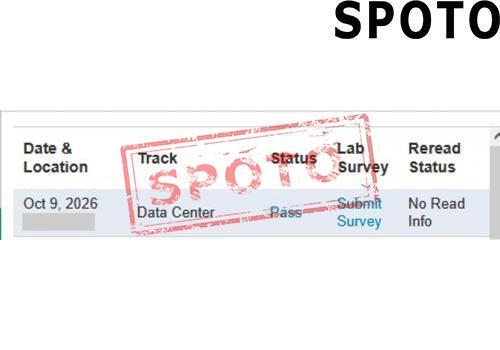
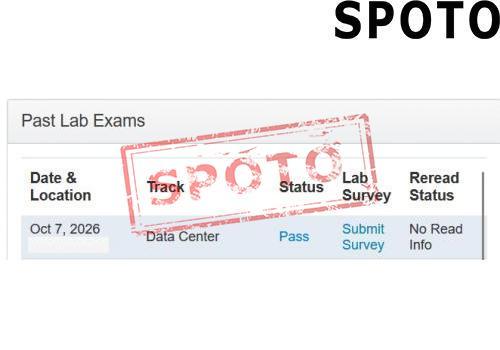
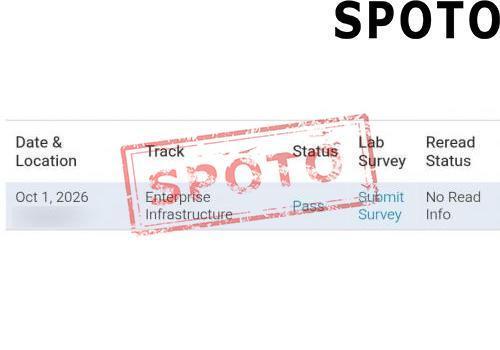
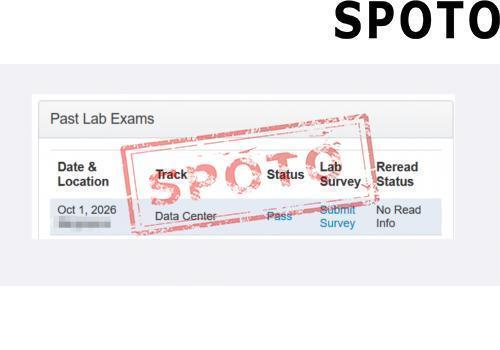
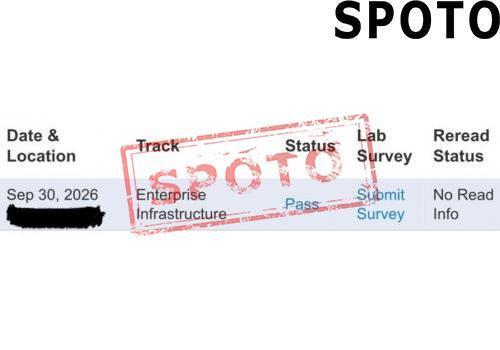
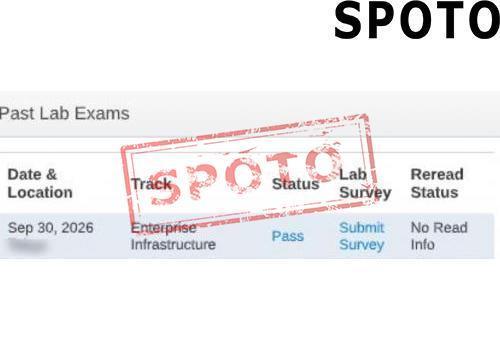
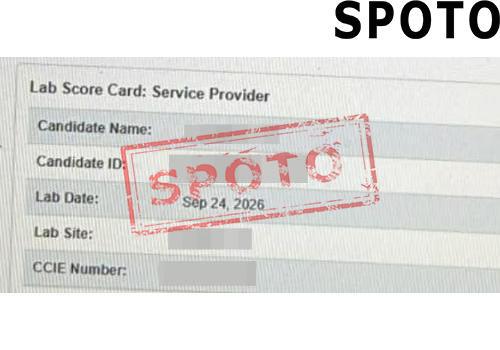
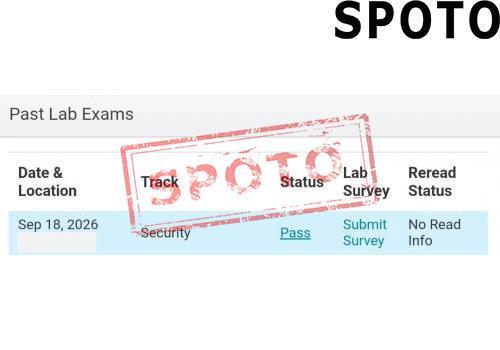
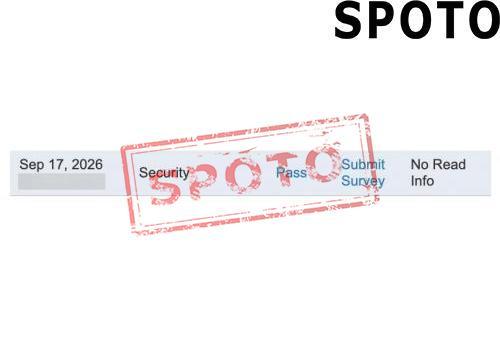
Latest Passing Reports from SPOTO Candidates
sec lab

sec lab

EI lab

EI lab

EI LAB

EI LAB

Sec lab

Sec lab

DClab

DClab

EI Lab

EI Lab

DC lab

DC lab

DC LAB

DC LAB

dc lab

dc lab

sec lab

sec lab

Write a Reply or Comment
Home/Blog/How to Pass the CCIE Lab Exam: A Complete Roadmap From Study Plan to Exam Day
How to Pass the CCIE Lab Exam: A Complete Roadmap From Study Plan to Exam Day
SPOTO 2026-07-29 15:05:25
Pass the CCIE Lab Exam

The CCIE lab is widely regarded as one of the hardest technical certifications in IT — an eight-hour, hands-on gauntlet that tests whether you can design, build, and troubleshoot a broken enterprise network under real time pressure. Passing it isn't about memorizing commands; it's about combining deep technical mastery with disciplined preparation, the right tools, and a plan for exam day itself. This guide walks through the entire journey in order: how long to study and how to structure that time, how to choose the training resources and lab platform that fit your budget, how to build a home lab to practice on, and finally, exactly what it costs and how to book your attempt.

Building Your Study Timeline: From Zero to Exam-Ready

Most successful candidates treat CCIE prep as a structured, multi-phase project rather than open-ended studying. Here's a realistic progression:

  1. Assess your starting point (Week 0). If you already hold CCNP-level knowledge and have several years of hands-on production experience, expect a 6–9 month runway. If you're newer to the technology track, plan for 12–18 months. Be honest here — underestimating this step is the single biggest cause of burnout later.
  2. Pass the written qualifying exam first (Months 1–3). Before you can even book the lab, you need to clear the core exam for your track (for example, ENCOR 350-401 for Enterprise Infrastructure, or SCOR 350-701 for Security). Treat this phase as building your theoretical foundation — it's the vocabulary and protocol knowledge everything else builds on.
  3. Deep-dive technology blueprint topics (Months 3–8). Work through the official lab exam blueprint section by section. Don't skip topics you find boring or think are "unlikely to appear" — the lab is designed to probe breadth as much as depth.
  4. Start timed, scenario-based labbing (Months 6–10). This is where theory becomes muscle memory. Move from tutorial-style labs to full, timed diagnose-and-fix scenarios that mimic exam conditions.
  5. Run full 8-hour mock exams (Final 4–8 weeks). Simulate the real exam as closely as possible — same duration, same pressure, no notes. This phase is less about learning new material and more about pacing, endurance, and identifying your remaining weak spots.
  6. Final review and rest (Final 1–2 weeks). Consolidate weak areas, review your personal "mistake log" from mock exams, and taper off intense new learning in the final days so you arrive at the test center rested rather than burned out.

A milestone-based plan like this keeps you from either wasting months exploring without exam-day capacity, or entering the lab prematurely without the theoretical foundation to reason through unfamiliar problems.

Choosing Your Training Resources: Comparing the Top Prep Providers

With your timeline in place, the next decision is where your knowledge and lab hours will actually come from. The major players differ significantly in format, cost, and how much realism they bring to lab practice.

Provider Format Best For Rack/Lab Access Approx. Cost
INE (All Access Pass) Video courses + guided labs + full mock labs Structured, all-in-one preparation with proctor-style mock exams Included via cloud rack access Subscription-based, mid-to-high range
NetworkLessons Written tutorials + community Q&A Learners who prefer reading/reference material over video Not bundled — pair with your own EVE-NG/CML lab Lower-cost subscription
Cisco Learning Network / Cisco U Official blueprints, some official courses Verifying you're aligned with the exact exam blueprint Limited; mostly self-paced content Free to moderate
Boot camps (in-person/virtual, various vendors) Intensive multi-day accelerated review Candidates close to exam-ready who need a final push Often included for the boot camp duration High, one-time cost
Self-built home lab (EVE-NG/CML) Fully self-directed Candidates who want unlimited, low-cost practice time Unlimited, but you manage it yourself Low ongoing cost, higher setup effort

In practice, most successful candidates don't rely on a single resource — they typically pair a structured course (for guided theory and lab methodology) with unlimited practice time on their own lab environment, which is where a home lab setup becomes essential.

Setting Up Your Own Practice Lab with EVE-NG or CML

Unlimited, low-pressure practice time is one of the biggest predictors of lab success, and that means building your own virtual lab environment rather than relying solely on rented rack time. Here's how to get one running:

  1. Choose your emulation platform. EVE-NG (Community or Pro edition) and Cisco Modeling Labs (CML) are the two dominant options. EVE-NG is free (Community edition) or low-cost (Pro) and supports a wide range of vendor images; CML is Cisco's official product, comes with official image licensing, and integrates cleanly with Cisco's own curriculum but carries a higher licensing cost.
  2. Size your host hardware. For serious multi-device enterprise topologies, plan for a dedicated server or workstation with at least 32–64GB of RAM, a multi-core CPU (8+ cores recommended), and fast SSD storage. Running dozens of virtual routers and switches simultaneously is memory-hungry — this is not something a laptop with 16GB of RAM will comfortably handle for full-scale topologies.
  3. Install a hypervisor. Both EVE-NG and CML typically run as a VM on top of a bare-metal hypervisor (such as Proxmox or ESXi) or directly on dedicated hardware. Running EVE-NG as a nested VM on your everyday laptop works for small topologies but will bottleneck as labs grow.
  4. Source your device images. EVE-NG requires you to supply your own Cisco IOS/IOS-XE/NX-OS images (which must be obtained through legitimate licensing channels). CML bundles official reference platform images with your license, which removes this step but adds to the cost.
  5. Build your first topology. Start by replicating a known reference topology from your training provider's guided labs, then progressively build your own custom topologies that mirror the diagram styles used in real lab exams.
  6. Layer in automation and validation tools. As you advance, integrate tools for configuration backup, validation scripting, and version control of your lab configs — this mirrors real exam expectations around efficient, repeatable workflows under time pressure.

A well-configured home lab pays for itself quickly: unlike rented rack time, it gives you unlimited hours to rebuild the same topology from scratch as many times as it takes to become fast and confident.

Exam Day Strategy: Time Management and Pressure Handling

All the studying and lab time in the world won't help if you can't execute under the specific pressure of an eight-hour exam. Treat exam-day strategy as its own skill to practice, not something you figure out on the day itself.

  1. Read the entire exam before configuring anything. Skim all sections first to build a mental map of scope, point values, and dependencies between tasks — some later tasks may depend on earlier ones being configured correctly.
  2. Triage by point value and confidence, not by task order. Tackle high-point, high-confidence tasks first to bank points early, and flag ambiguous or unfamiliar tasks to revisit later rather than getting stuck on them immediately.
  3. Set hard time checkpoints. Decide in advance roughly how much time each major section deserves, and set mental (or physical, where allowed) checkpoints to force yourself to move on if you're over budget — a partially-correct answer on every task usually scores higher than a perfect answer on only half the tasks.
  4. Verify as you go, not just at the end. Build the habit of confirming each configuration actually works (pings, show commands, protocol adjacencies) immediately after implementing it, rather than assuming it's correct and discovering failures during a rushed final review.
  5. Don't chase perfection on partial-credit tasks. Many lab tasks award partial credit for partially correct configurations. If you're stuck on the last 10% of a task, it's often better to bank the partial credit and move on than to burn 20 minutes chasing full marks.
  6. Build in a deliberate reset moment. If you hit a stressful roadblock, take 60 seconds to step back, breathe, and re-read the task rather than tunneling on a fix that isn't working — panic-driven troubleshooting wastes far more time than a short pause.
  7. Reserve the final block for verification, not new work. In the last 30–45 minutes, stop attempting new tasks and instead do a full pass verifying everything you've already configured is still functioning as expected.

Practicing this pacing discipline during your full 8-hour mock exams (mentioned earlier in your study timeline) is what turns these tips from theory into instinct.

Exam Costs, Booking, and Retake Policy

Once your preparation is on track, the final piece is understanding the exact logistics and costs of scheduling your attempt.

Fees

  • Written qualifying exam (e.g., ENCOR, SCOR, CLCOR, DCCOR, SPCOR): approximately $400 USD
  • CCIE lab exam: the standard fee is $1,600 USD per attempt</cite>
  • No-show / missed appointment: a no-show fee may apply if you fail to attend a scheduled appointment without cancelling in advance

Eligibility

  • You must first pass the corresponding written qualifying exam for your chosen track and hold a valid Cisco user account before you can book the lab</cite>.
  • Cisco does not enforce a formal experience prerequisite, though five to seven years of hands-on experience is generally recommended</cite> before attempting the lab.

Booking process

  1. Pass your track's written qualifying exam at a Pearson VUE test center or via online proctoring</cite>.
  2. Log into the official CCIE/CCDE scheduling portal with your Cisco account.
  3. Select your exam track, choose a location (a permanent Cisco test facility or a mobile lab event), and pick an available date</cite>.
  4. Complete payment — full payment is typically required 30 to 90 days before your exam date</cite>.
  5. Receive confirmation from both Cisco and the exam delivery system once your appointment is booked.

Retakes If you don't pass on your first attempt, you'll need to book and pay for another attempt at the standard lab fee. There's no limit on the number of retakes, but each one carries the full cost, so treat every mock-exam session in your prep (see the study timeline and exam-day sections above) as practice specifically aimed at minimizing retakes rather than accepting them as inevitable.

Bringing It All Together

Passing the CCIE lab isn't the result of any single tactic — it's the compounding effect of a realistic study timeline, the right mix of training resources, a home lab you can practice on without limits, sharp time management on exam day, and a clear understanding of the costs and logistics so nothing catches you off guard. Candidates who treat each of these as a distinct project phase — rather than trying to improvise all of it during the final weeks — consistently report smoother prep cycles and stronger results. Start with an honest timeline, build your lab early, and let your mock exams do double duty: sharpening both your technical accuracy and your exam-day pacing.
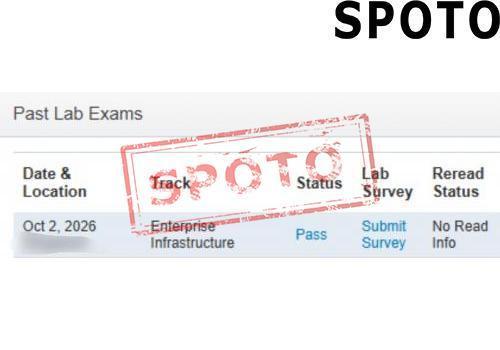
Latest Passing Reports from SPOTO Candidates
sec lab
EI lab
EI LAB
Sec lab
DClab
EI Lab
DC lab
DC LAB
dc lab
sec lab
Write a Reply or Comment
Don't Risk Your Certification Exam Success – Take Real Exam Questions
Eligible to sit for Exam? 100% Exam Pass GuaranteeEligible to sit for Exam? 100% Exam Pass Guarantee
SPOTO Ebooks
Recent Posts
CompTIA Security Get Certified Get Ahead: Sy0-701 Study Guide​
Fortinet's NSE Certification Overhaul: What Changed on July 15, 2026 and What You Need to Do Next
How to Pass the CCIE Lab Exam: A Complete Roadmap From Study Plan to Exam Day
Navigating Digital Trust: The 5 Most Valuable ISACA Certifications for Your Career
Thinking Like a CISO: What You Need to Know About the CISSP Exam
Bridging Risk and Strategy: An In-Depth Guide to the ISACA CRISC Certification
Where Finance Meets Tech: A Practical Breakdown of CPA and ISACA Credentials
Keeping Up with Digital Risk: What You Need to Know About the ISACA CISA Certification
Real-World Internal Auditing: A Practical Guide to the CIA Certification
Mastering Claims Management: A Comprehensive Guide to the CII IF4 Exam
Excellent
5.0
Based on 5236 reviews
Request more information
I would like to receive email communications about product & offerings from SPOTO & its Affiliates.
I understand I can unsubscribe at any time.