Why Choose SPOTO?

20+ Years of Online IT Training

SPOTO was founded in 2003. We focus on online IT training for 20+ years and covers Cisco, PMP, CISSP, AWS and other popular IT exams.

Professional Tutors’ Support

We have a huge CCIE Tutors team to support our candidates to prepare and pass the Cisco exam fast and easily. 7/24 CCIE Instructors online support.

Vision And Mission

SPOTO aims to help our candidates to get IT certified and enhance the technical knowledge and skills. Advance their career and boost salary in IT industry.

Real and Valid QAs

SPOTO tutors offer latest and valid IT exam questions and answers from real exam to help you go through the exams fast and easily.

Latest Exam Feedbacks

SPOTO offers the latest Cisco, AWS, PMP, CISSP, CISA or other IT exam feedbacks from our candidates to help you know the exam information.

Secure Shopping Experience

Your purchase with SPOTO is safe and fast.Your information will never be shared by 3rd parties..

Pass Your Next IT Exams in First Try

Are you ready to prepare and pass your Cisco CCNA, CCNP, CCIE Lab, PMP, CISSP, AWS and other IT exams? Join SPOTO team to help you clear the exam fast.

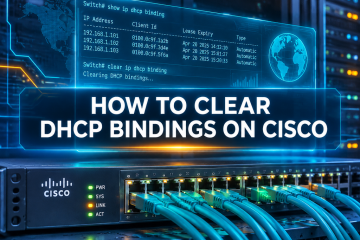
How to Clear DHCP Binding Cisco

Managing IP address allocations on a Cisco router or Layer 3 switch often requires manually freeing up leased addresses, resolving duplicate IP conflicts, or resetting stale entries when replacing hardware. Whether you are administering a standard Cisco IOS DHCP server, managing multi-tenant VRF pools, or maintaining Layer 2 DHCP snooping tables on a Catalyst switch,... » read more
How to Clear Config on Cisco Switch Port

Reclaiming a switch port on a production Cisco switch—whether repurposing an old trunk link for an end-user workstation or cleaning up legacy access lists and voice VLANs—requires more than deleting lines of configuration one by one. Using the built-in default interface command wipes custom port directives cleanly in a single operation, provided you understand how... » read more

How to Clear Config on Cisco Router

Whether you are redeploying hardware to a new branch, troubleshooting a broken network change, or securely decommissioning equipment, knowing how to properly wipe a Cisco router is an essential administrative task. Simply deleting the startup configuration is often enough for a lab reset, but enterprise routers store data across multiple memory partitions—including NVRAM, flash storage,... » read more

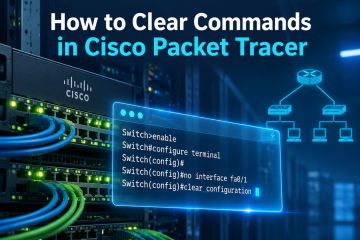
How to Clear Command in Cisco Packet Tracer

Working in the Cisco Packet Tracer command-line interface (CLI) often leads to an immediate point of confusion for networking students and technicians: typing clear or cls does not wipe the terminal display, nor does it delete a mistyped configuration rule. Because Cisco IOS uses specific syntax for operational resets, text editing, and configuration removal, knowing... » read more

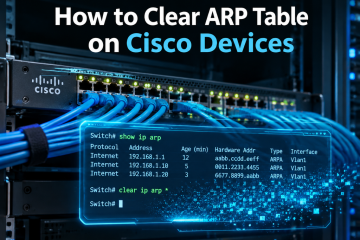
How to Clear ARP Table Cisco

Maintaining accurate Layer 3-to-Layer 2 address mappings is essential for uninterrupted packet forwarding across enterprise networks. When replacing a server NIC, migrating a virtual IP, failover testing high-availability clusters, or resolving IP-to-MAC conflicts, stale Address Resolution Protocol (ARP) entries can blackhole traffic until the default Cisco IOS four-hour ARP timeout (14400 seconds) expires. Knowing how... » read more

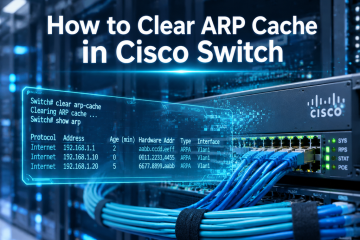
How to Clear ARP Cache in Cisco Switch

When you replace a server NIC, fail over a firewall cluster, or reassign a static IP address, a Cisco Layer 3 switch will often continue forwarding traffic to the old hardware address. Because Cisco IOS and IOS XE retain dynamically learned Address Resolution Protocol (ARP) entries for four hours (14,400 seconds) by default, waiting for... » read more

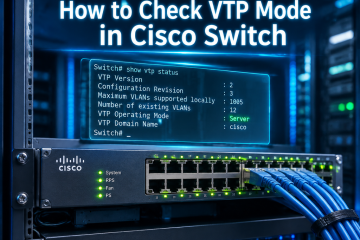
How to Check VTP Mode in Cisco Switch

Verifying the VLAN Trunking Protocol (VTP) configuration on a Cisco Catalyst switch is a critical maintenance step before adding new switches to a topology, modifying VLANs, or troubleshooting Layer 2 trunking issues. Because an improperly configured VTP switch can inadvertently overwrite an entire production VLAN database, network administrators must know how to inspect the active... » read more

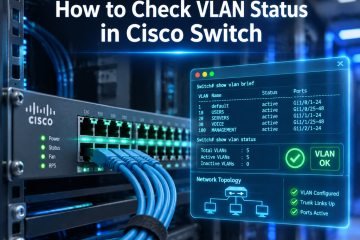
How to Check VLAN Status in Cisco Switch

Verifying VLAN health on a Cisco switch requires more than simply checking whether a VLAN ID exists in the running configuration. A VLAN may appear configured while failing to pass traffic because it is locally shut down, suspended by VLAN Trunking Protocol (VTP), blocked by Spanning Tree Protocol (STP) on a trunk, or lacking an... » read more

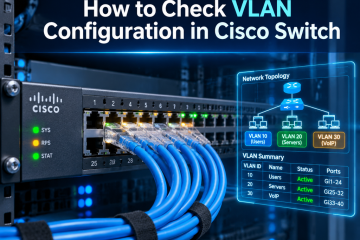
How to Check VLAN Configuration in Cisco Switch

Verifying Virtual Local Area Network (VLAN) configurations on a Cisco switch requires more than checking the running configuration file. Because Cisco switches separate the Layer 2 VLAN database from interface-level configurations—and handle access ports, trunk links, and voice VLANs across distinct operational tables—network engineers rely on specific CLI verification commands to get an accurate picture... » read more