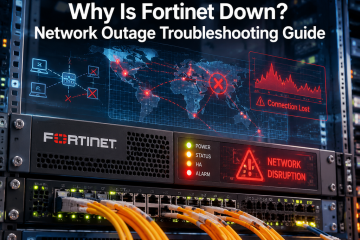
Why Is Fortinet Down?

When users or monitoring dashboards report that “Fortinet is down,” the symptom rarely points to a single failure point. Because the Fortinet ecosystem spans cloud management portals, real-time global threat intelligence, on-premises FortiGate appliances, and endpoint VPN clients, a perceived outage can stem from anything between a regional FortiSASE maintenance window and a local firewall... » read more

What Are the Advantages of Fortinet Unified SASE Platform?

Enterprise networks no longer stop at the corporate firewall. With distributed workforces, cloud-hosted applications, and headless IoT devices operating across hundreds of micro-locations, stitching together standalone Virtual Private Networks (VPNs), Secure Web Gateways (SWGs), and branch routers creates dangerous visibility gaps and administrative bloat. Fortinet Unified SASE solves this fragmentation by converging cloud-delivered Security Service... » read more

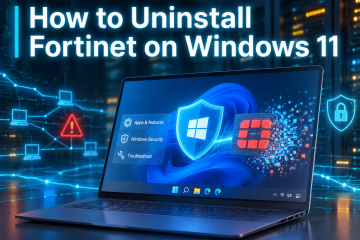
How to Uninstall Fortinet on Windows 11

Uninstalling Fortinet software—most commonly FortiClient or FortiClient VPN—on Windows 11 is rarely as simple as clicking a single button in the Settings app. Because Fortinet integrates deeply into the operating system using kernel-level security drivers, virtual network adapters, and persistent background services, a standard removal often fails or leaves behind configuration files that disrupt network... » read more

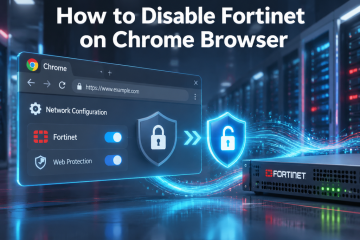
How to Disable Fortinet on Chrome

Encountering a “Web Page Blocked” screen or constant SSL certificate warnings while browsing in Google Chrome is a common frustration on networks and devices running Fortinet security software. Because Fortinet operates across multiple layers—ranging from a lightweight Chrome browser extension and the local FortiClient desktop application to network-wide FortiGate hardware firewalls—disabling or working around the... » read more

What Is FortiAI-Protect Fortinet?

FortiAI-Protect is the threat detection and AI risk governance pillar of the Fortinet FortiAI portfolio, embedded directly across the Fortinet Security Fabric. As enterprise adoption of generative AI (GenAI) accelerates, security teams face a dual challenge: defending against adversaries who use artificial intelligence to launch evasive, machine-speed cyberattacks, and controlling “Shadow AI”—the unsanctioned use of... » read more

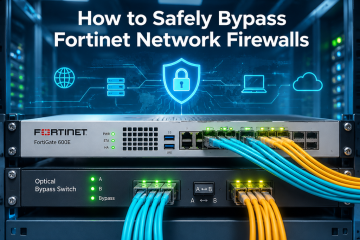
How to Bypass Fortinet

Navigating a network protected by a FortiGate next-generation firewall (NGFW) or the FortiGuard Web Filter service often leads to blocked pages, broken application connections, or inspection warnings. Whether you are a remote worker trying to understand how encrypted tunnels interact with corporate firewalls, an end user troubleshooting a falsely blocked resource, or a network administrator... » read more

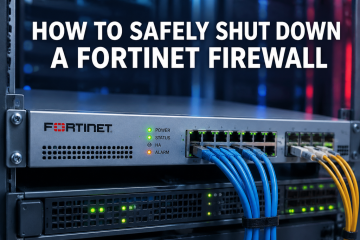
How to Turn Off Fortinet

Because “Fortinet” is the name of the cybersecurity vendor rather than a single product, turning it off depends entirely on which component is running on your device or network. End users typically want to close the FortiClient VPN and endpoint security application on Windows or macOS, unlock a greyed-out shutdown button, or permanently uninstall its... » read more

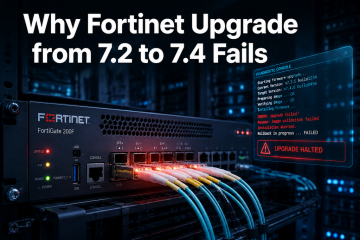
Why Fortinet Upgrade from 7.2.11 to 7.4.8 Fails

Upgrading a FortiGate appliance from FortiOS 7.2.11 to 7.4.8 is a critical milestone for organizations moving off the 7.2 branch—which reached End of Support in September 2026—onto a Mature 7.4 build. Despite being a common transition between two Mature releases, the upgrade frequently aborts during image validation, hangs indefinitely during the reboot cycle, or leaves... » read more

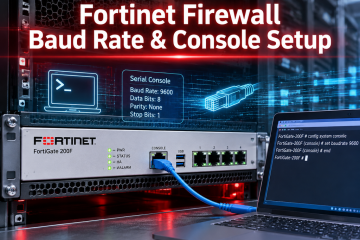
What Is the Baud Rate for Fortinet Firewall?

Establishing an out-of-band serial console connection to a Fortinet FortiGate firewall is essential for initial appliance provisioning, network outage recovery, and pre-boot firmware maintenance. Unlike network-based SSH or HTTPS management, a direct serial link bypasses IP routing and firewall policies entirely—provided your terminal emulator matches the appliance’s exact universal asynchronous receiver-transmitter (UART) parameters. Default FortiGate... » read more