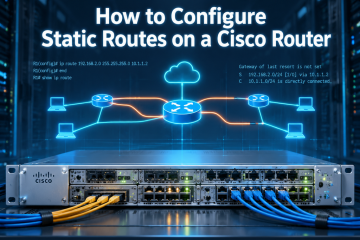
How to Configure a Static Route on a Cisco Router

Static routing gives network administrators deterministic, manual control over how packets traverse a network without the CPU or bandwidth overhead of dynamic routing protocols. Whether you are linking stub networks, defining a gateway of last resort toward an ISP, or setting up backup failover paths, configuring static routes in Cisco IOS and IOS XE requires... » read more
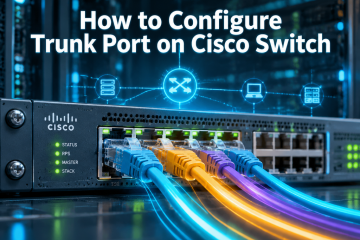
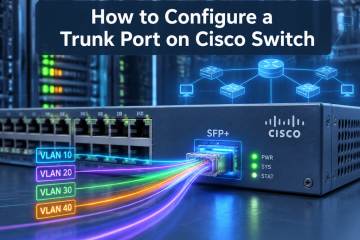
How to Configure a Trunk Port on Cisco Switch

Expanding a local area network across multiple switches requires a reliable way to carry traffic for several Virtual Local Area Networks (VLANs) over a single physical or logical inter-switch link. Without trunking, network engineers would have to dedicate a separate physical cable and switch port for every VLAN in the environment. Configuring an IEEE 802.1Q... » read more

How to Configure a Trunk Port on a Cisco Router

Configuring a trunk link on a Cisco router allows a single physical Ethernet interface to carry traffic for multiple Virtual Local Area Networks (VLANs) using IEEE 802.1Q tagging. Unlike Layer 2 switches—where trunking is enabled directly on a physical switchport—a Cisco router handles trunking by dividing a physical Layer 3 routed interface into multiple logical... » read more

How to Configure a Trunk Port on Cisco Switch

In multi-VLAN enterprise networks, Cisco switches rely on trunk ports to carry traffic for multiple VLANs across a single physical or logical link. Rather than dedicating one physical cable per subnet between switches, routers, or hypervisors, an IEEE 802.1Q trunk tags Ethernet frames with a VLAN identifier as they traverse the inter-switch link. Configuring a... » read more

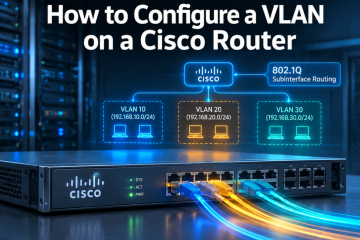
How to Configure a VLAN on a Cisco Router

Virtual Local Area Networks (VLANs) segment a Layer 2 broadcast domain into multiple isolated logical networks, improving both security and traffic management. Because VLANs operate at Layer 2, devices in different VLANs cannot communicate with each other without a Layer 3 routing device. Configuring a Cisco router to handle VLANs enables inter-VLAN routing, provides default... » read more

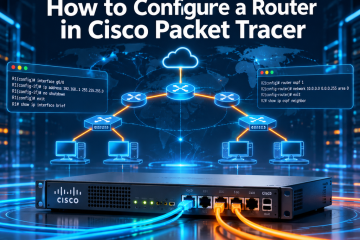
How to Configure a Router Cisco Packet Tracer

Configuring a router in Cisco Packet Tracer is a foundational skill for building multi-subnet topologies, automating local IP addressing, and preparing for Cisco certification exams. Unlike unmanaged Layer 2 switches that forward frames out of the box, Cisco routers boot with all physical interfaces administratively disabled and contain no pre-configured routing or security parameters. Bringing... » read more

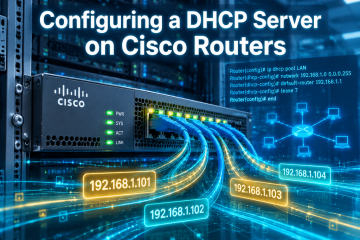
How to Configure a DHCP Server on a Cisco Router

Dynamic Host Configuration Protocol (DHCP) automates the assignment of IPv4 addresses, subnet masks, default gateways, and DNS parameters across a network. Cisco routers running Cisco IOS or IOS XE include a built-in DHCP server process capable of managing address pools, serving multiple segmented VLANs, enforcing static MAC reservations, and persisting lease records across reboots. Understanding... » read more

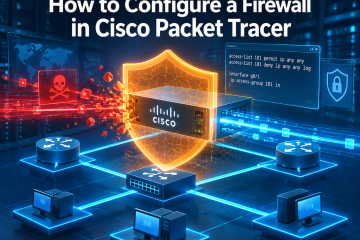
How to Configure a Firewall in Cisco Packet Tracer

Securing a network in Cisco Packet Tracer requires moving beyond basic routing and switching to control how traffic enters, exits, and traverses your topology. Whether you are preparing for the CCNA exam, building a university capstone project, or prototyping an enterprise perimeter, Packet Tracer provides two distinct ways to enforce network security: deploying a dedicated... » read more

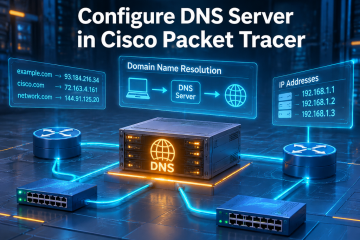
How to Configure a DNS Server in Cisco Packet Tracer

Translating human-readable domain names like www.company.local into numerical IP addresses is a core requirement in almost every networking lab. In Cisco Packet Tracer, you can simulate Domain Name System (DNS) resolution either by enabling the built-in DNS service on a Generic Server (Server-PT) appliance or by configuring name resolution parameters directly through the Cisco IOS... » read more