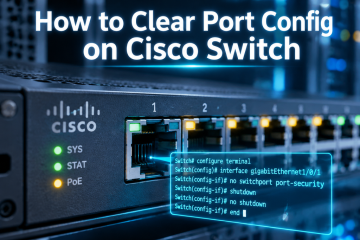
How to Clear Port Config on a Cisco Switch

Reallocating switch ports for new workloads, cleaning up legacy patch panels, or troubleshooting misconfigured access links often requires wiping existing interface parameters. Manually negating dozens of lines—such as VLAN assignments, trunk allowed lists, QoS policies, and Spanning Tree guards—using the no keyword is slow and prone to human error. Cisco switches provide built-in commands to... » read more
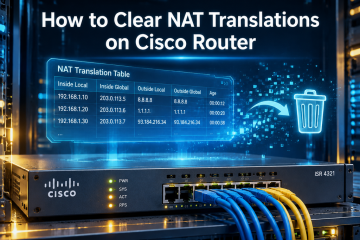
How to Clear NAT Translation on Cisco Router

Managing Network Address Translation (NAT) state tables on Cisco routers is a routine yet high-stakes task for network engineers. Whether you are migrating a public IP pool, recovering from an ISP failover where sessions are blackholed to a dead interface, or resolving a one-way audio issue on a SIP trunk, stale translations must occasionally be... » read more

How to Clear VLAN Database Cisco Switch

Clearing Virtual Local Area Networks (VLANs) on a Cisco Catalyst switch requires more than simply erasing the running or startup configuration. Because Cisco IOS stores normal-range VLAN definitions and VLAN Trunking Protocol (VTP) parameters in a dedicated binary file (vlan.dat) rather than in NVRAM, administrators frequently find old VLANs still active even after wiping a... » read more

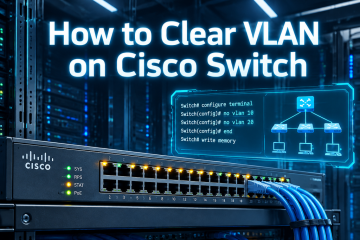
How to Clear VLAN on Cisco Switch

Clearing a VLAN on a Cisco switch is not always a single-command operation. Because Cisco IOS stores standard VLAN configurations separately from the main startup configuration file—and treats port-level VLAN assignments independently from the global VLAN database—network administrators must choose the right removal method for their maintenance goal. Whether you need to delete a single... » read more

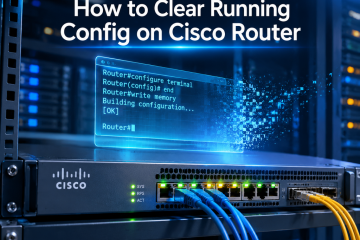
How to Clear Running Config on Cisco Router

Clearing the active configuration on a Cisco router is not as simple as running a single delete command. Because Cisco IOS stores the active running-config dynamically in volatile RAM rather than as a static file on disk, there is no native erase running-config command. Whether you need to discard unsaved configuration changes in production without... » read more

How to Clear Routing Table Cisco

Maintaining an accurate Routing Information Base (RIB) is essential when troubleshooting suboptimal path selection, blackholed traffic, or stale routing entries on Cisco devices. Whether you need to flush a single dynamically learned prefix, reset an entire IPv4 or IPv6 routing table, or permanently remove a hardcoded static route, choosing the right command ensures network convergence... » read more

How to Clear Previous Configuration on Cisco Switch

Clearing a previous configuration on a Cisco switch requires more than deleting a single text file. Depending on the hardware family, operating system version, and administrative access level, residual settings can persist in simulated NVRAM, separate VLAN database files, boot environment variables, or hardware security modules. Whether you are repurposing a lab unit, resetting a... » read more

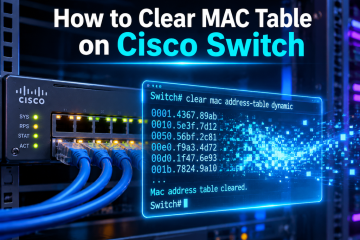
How to Clear MAC Table on Cisco Switch

When you move a workstation to a different switchport, replace a server network interface card, or troubleshoot a Layer 2 forwarding anomaly, waiting five minutes for a Cisco switch to age out stale Content Addressable Memory (CAM) entries isn’t practical. Knowing how to clear the MAC address table on a Cisco switch allows you to... » read more

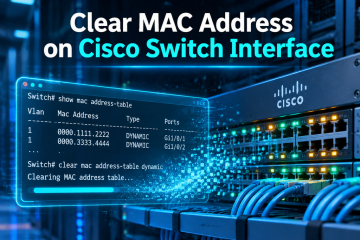
How to Clear MAC Address in Cisco Switch Interface

Managing the Content Addressable Memory (CAM) table on a Cisco switch is a routine necessity when swapping endpoint hardware, migrating servers between ports, or isolating Layer 2 forwarding anomalies. While a switch automatically purges inactive Media Access Control (MAC) entries once its aging timer expires—typically after 300 seconds—waiting five minutes during a live maintenance window... » read more